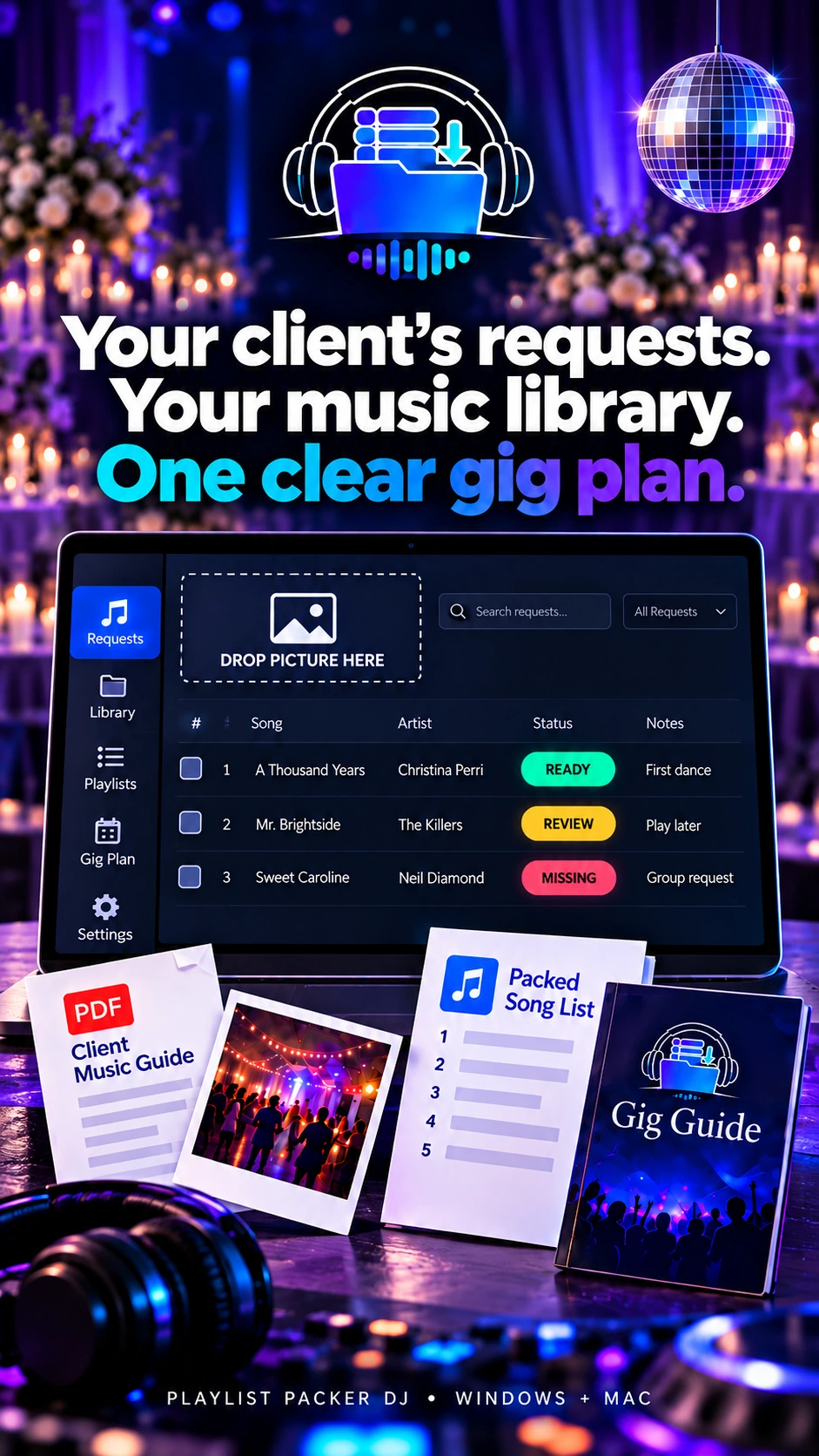
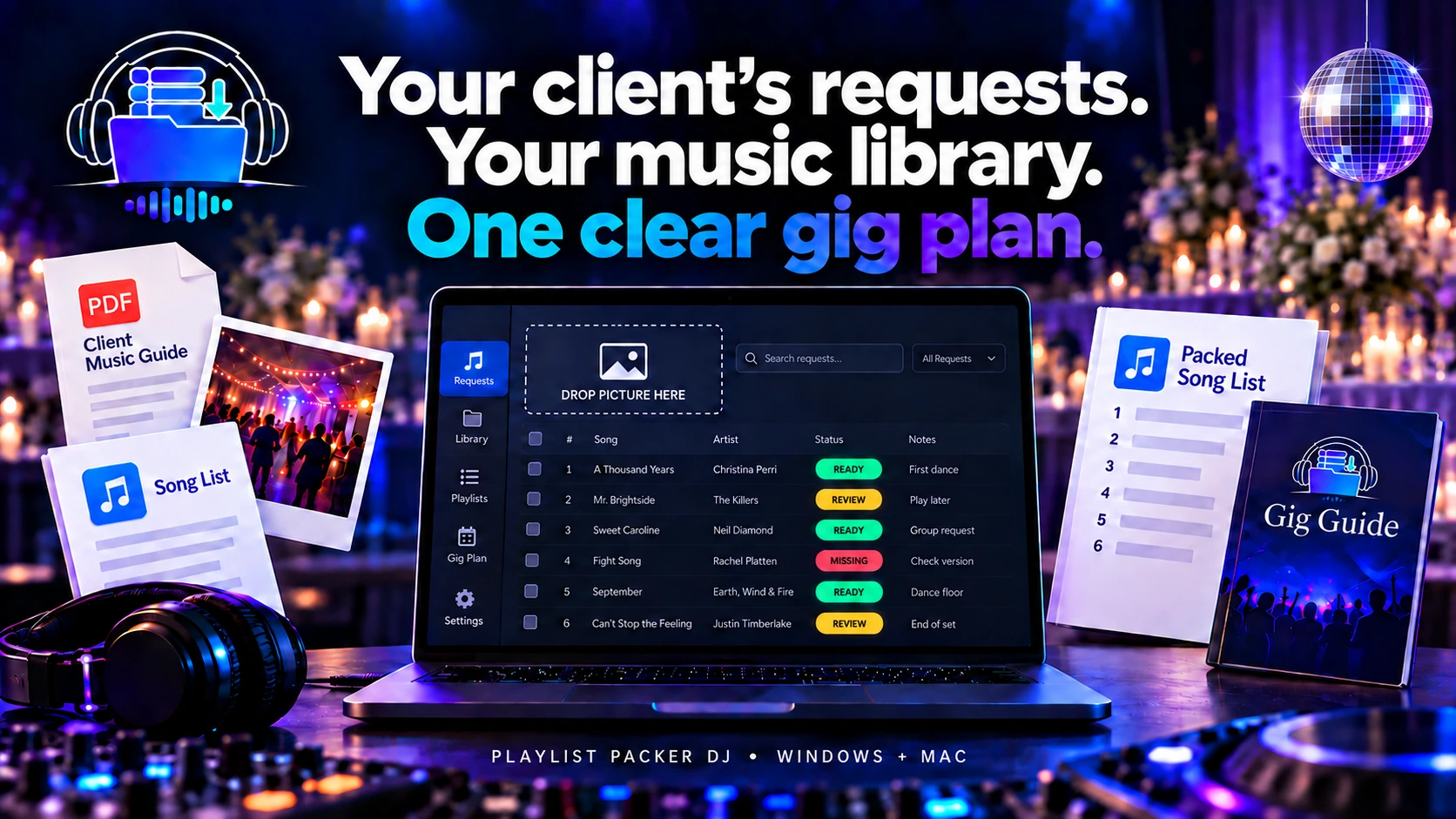
Turn client song requests into an organised gig plan.
Bring pasted requests, supported playlist links and files, screenshots and PDFs into one event. Compare them with the music in your own library, review possible matches and choose the recordings you want. Create an ordered playlist reference, a song list and planning guides for the gig. Your audio files stay untouched.
Coming to Windows and macOS. Music and music rights are not included.
Founding offer at launch: R599 once off for the first 100 qualifying paid licences, then R899 once off.
How it works
From client requests to a clear gig plan
Bring requests into one event, review the music choices, and leave with a clear running order and useful references for the gig.
01
Add requests
Paste requests or add supported playlist links and files, screenshots or PDFs. Add late requests to the same event.
02
Check matches
Choose which local music folders to scan. Review suggested matches, compare versions and select the recording you want; leave unresolved requests marked for attention.
03
Create references
Set the running order and export a playlist reference to the selected files in your own library. The software does not copy the audio.
04
Open the guides
Export the song list and available gig planning guides with the event. Where the wedding tools are included, prepare the wedding sections and program too.
Your own music, your decision
Know what is ready and what still needs attention.
See the request beside possible recordings in the local folders you selected. Compare versions, correct a request, choose a recording manually or leave an unresolved song for follow-up. Add late requests before exporting the plan.
Check the version and suitability of every recording yourself, especially when a clean edit or a specific mix is needed. Playlist Packer DJ does not analyse lyrics.
Keep requests from different sources in one event. Check uncertain matches before relying on the plan.
ReadyReviewMissing
Wedding handoff
Client Wedding Music Guide
Where the Wedding Music Guide is included, send the couple a fillable PDF for their requests and event details. They can return the completed guide to you for review.
DJ Wedding Day Program
Where available, use the completed Wedding Music Guide to prepare a DJ wedding plan covering the ceremony, reception, key moments, Do Not Play choices and requests that still need attention.
Built for weddings
Keep the important moments together.
Plan the ceremony, cocktails, reception and key music cues in separate sections where the wedding tools are available. Keep Do Not Play notes and outstanding requests visible as you review the event.
Event handoff
Reference files and branded documents.
Export an ordered playlist reference and song list for the event, alongside the planning documents available in your version. Wedding tools can add section references and a wedding program.
Playlist references point to files in your own collection. Keep the original drive connected and the file paths available when you use them. Import support depends on the other software.
Ready for more than weddings
Keep the event details, selected songs and running order together. Use the available Gig Guide to review your plan. Your audio remains in its original location.
Ordered playlist reference
Song list
Gig planning guide, where available
Wedding section references and program, where available
Drag tracks into your DJ software.
Serato DJ crate handoff
Open Serato DJ Pro and create an empty crate. In Playlist Packer DJ, select your matched tracks, then manually drag the group into that crate. The handoff uses standard operating-system drag-and-drop and references your existing local audio files.
Use other compatible DJ software
Playlist Packer DJ can also be used with other DJ software that accepts standard file drag-and-drop. Select your matched tracks and drag them into the receiving application. PPDJ references audio files in your local collection without copying or moving them. The receiving application manages its own import and library updates, so compatibility and behaviour depend on that software.
Coming at launch
Founding price: R599 once off.
For the first 100 qualifying paid licences; then R899 once off.
One licence supports up to two computers on supported Windows or macOS systems. Initial activation needs internet, and a successful online startup check allows that computer up to 30 days offline.
No. Use your own lawfully obtained local music. Playlist Packer DJ creates planning information and references to your selected files; it does not supply or download songs or copy, move, rename, modify or delete your audio.
What if a match is wrong?
Review the other local candidates, correct the request or make a manual choice. Leave anything uncertain for follow-up and listen before using it at the gig.
Can the couple fill in the wedding guide?
Where the Wedding Music Guide is included, the couple can fill in the guide and send it back. Review the returned details before using them in the wedding plan.
Will the playlist reference open in my DJ software?
Playlist Packer DJ exports local-file references. Whether another DJ app can import a reference depends on that app and its supported formats. Playlist Packer DJ is independent of other software providers.
Need help with installation, local-library matching, a missing request or a wedding guide? Visit the Support Centre. Join the launch list for release and purchase updates.